Guides
Professional Ship Simulator walkthroughs: career, weather, physics, docking, repairs, maps, and a preview before Early Access.
View all GuidesShips, maps, controls, and Early Access notes for this maritime sim.
Fan wiki for Professional Ship Simulator: ships, Rügen and Dover maps, controls, missions, and the Steam Early Access launch.
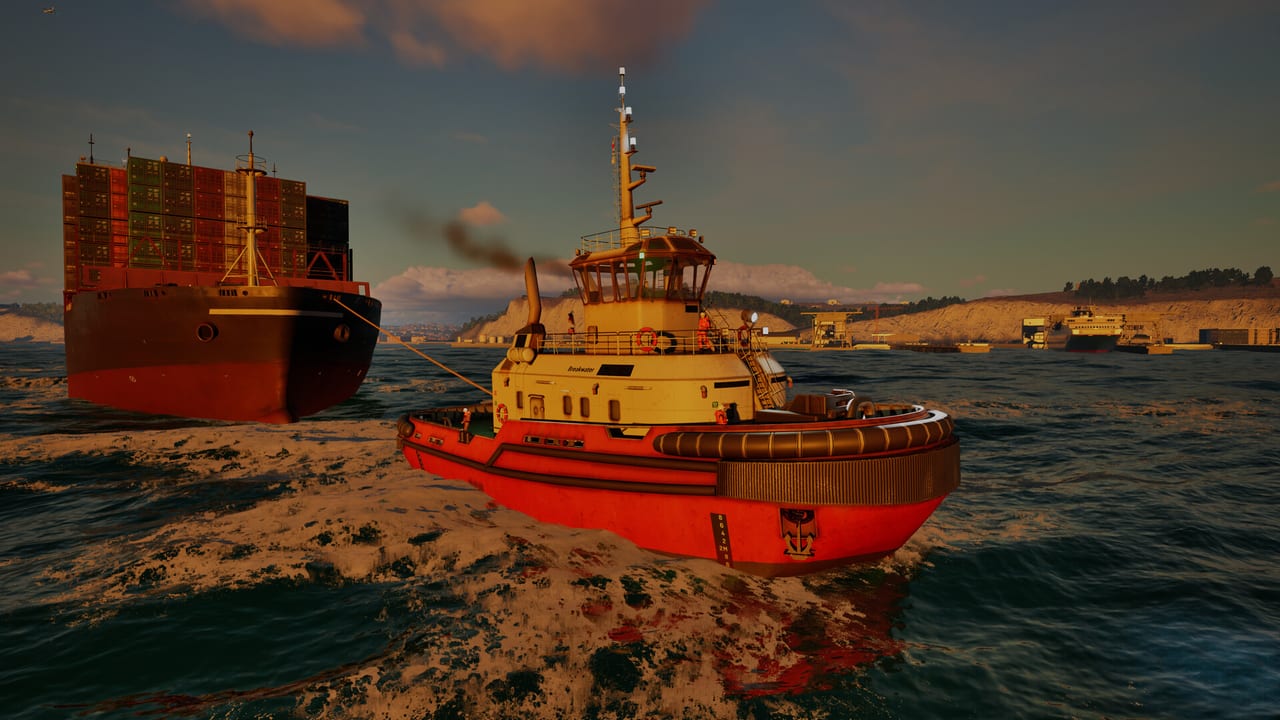
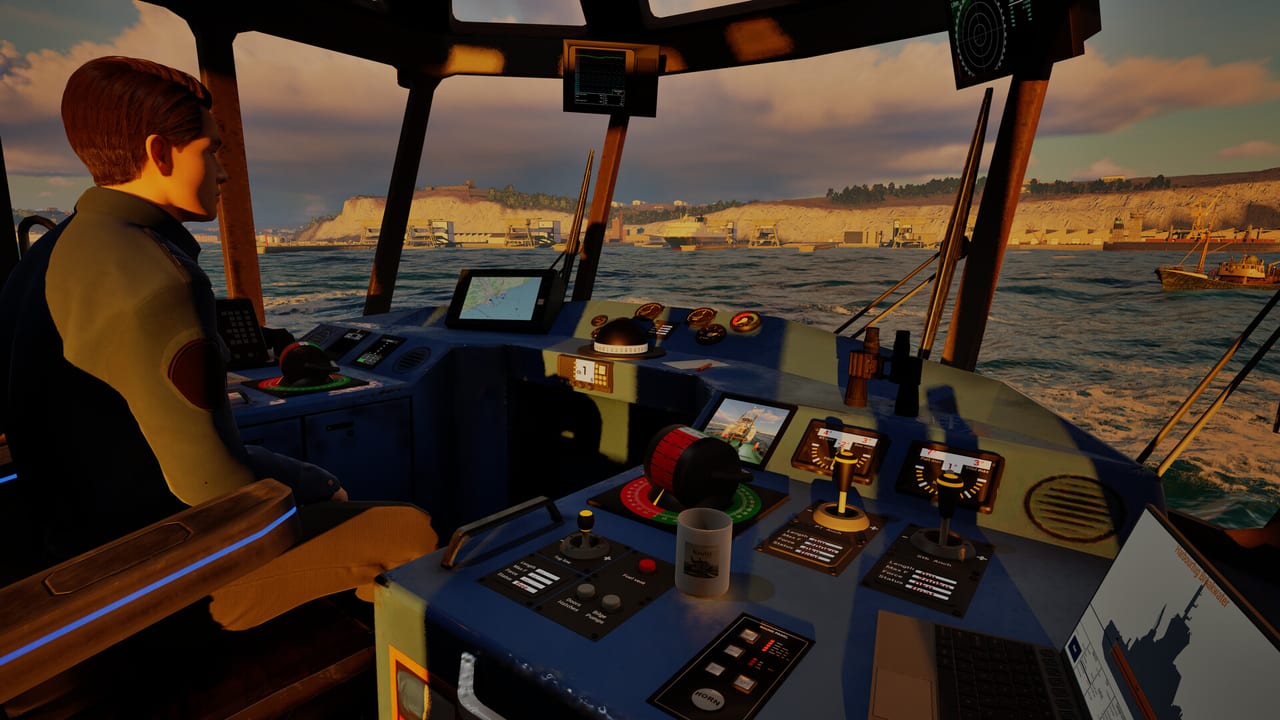
Professional Ship Simulator is a single-player PC maritime sim from SWE Systems and Aerosoft, previously known as NauticXP. It aims for hydrodynamic handling, clickable bridges, and real-world scenery around Rügen and the Strait of Dover. Steam Early Access is scheduled for 16 September 2026, with a free demo already on the store. Start with how to play, then study the ship list and maps before you book a long transit.
Professional Ship Simulator walkthroughs: career, weather, physics, docking, repairs, maps, and a preview before Early Access.
View all GuidesProfessional Ship Simulator fleet: beginner picks, workboats, and commercial hulls from tugs to LNG tankers and cruise ships.
View all ShipsProfessional Ship Simulator Early Access date, roadmap, demo history, and where we log patches after 16 September 2026.
View all UpdatesProfessional Ship Simulator tools: Windows system requirements and a local keyboard plus gamepad layout you can keep beside the helm.
View all ToolsProfessional Ship Simulator official links: Steam page, demo, Discord, nauticxp.com wiki, keyboard downloads, and support email.
View all LinksDownload the Steam demo and confirm your PC meets the system requirements. The paid Early Access build is scheduled for 16 September 2026; the demo is the safest way to test physics, cameras, and the clickable bridge today.
Follow getting started and how to play. Switch batteries and generators before you ask the ship to move, then lock a bow or wing camera so you can judge clearance.
Open the in-game checklist and keep our keyboard and gamepad page nearby. Professional Ship Simulator uses a triple-layer keyboard plus more than fifty mappable inputs, so guessing keys in a fairway is a fast way to hit a quay.
Read the beginner ships notes before you spawn a cruise liner. Pilot boats, tugs, and small rescue craft teach thrusters, bank effect, and radio calls without a 300-metre blind spot.
Quick answers before you take the helm.
Steam Early Access is scheduled for 16 September 2026. A free demo is already on Steam. This wiki treats the paid product as upcoming until that date.
Read getting started, then controls and the ship list. If your PC is uncertain, check system requirements first.
No. Steam lists Professional Ship Simulator as single-player only. AI traffic fills harbors and lanes, but there is no advertised extra-player session.
English, French, German, and Spanish. The Steam client also lists Italian, Brazilian Portuguese, Polish, Simplified Chinese, and Russian, which we do not localise here.
No. It is a fan resource. For patches, keybind PDFs, and support, use the official links page, nauticxp.com, or the developer Discord.
The Island of Rügen (about 60 by 120 km) and the Strait of Dover (about 140 by 140 km), with more than forty harbors. Details live on the maps page.
Use the getting started path, lock in controls, and check system requirements before Early Access. Then compare ships and plan a first run on the maps.
Start with the beginner guide