Professional Ship Simulator Captain Tools
Hardware checks and printable control references for the Steam sim.
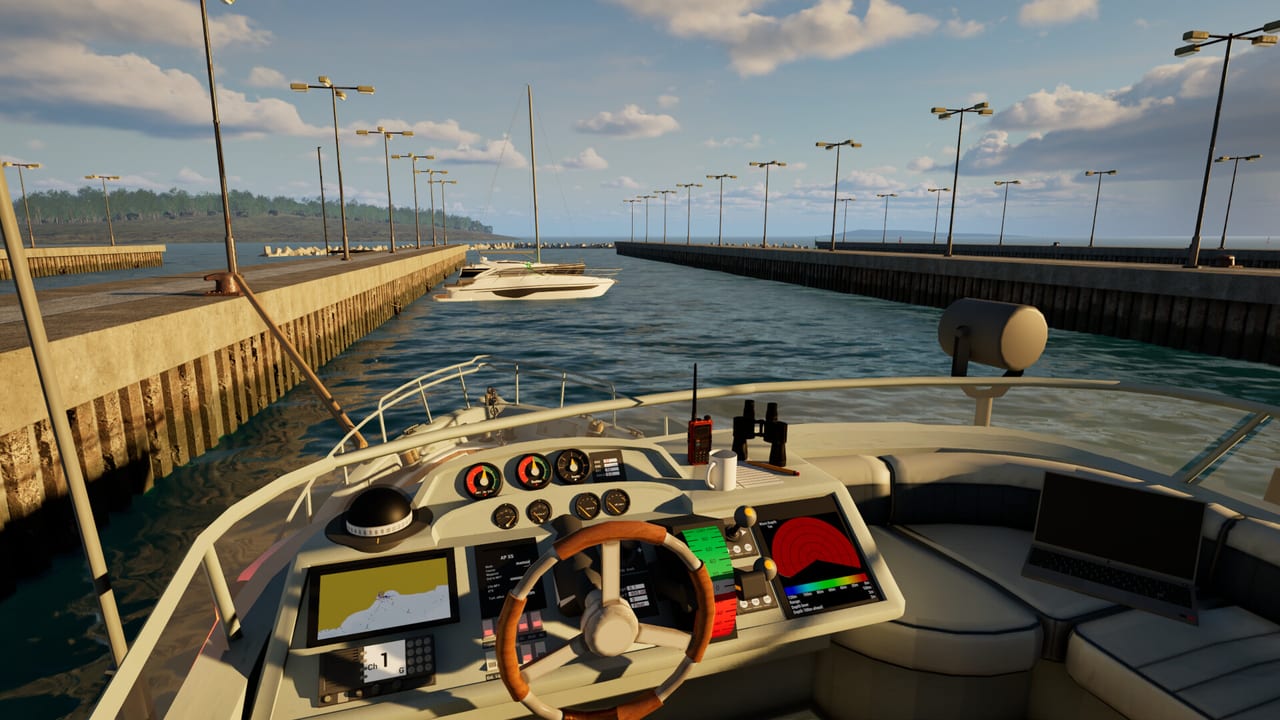
Not every wiki page should be a story. These tools are the two references captains actually pin to a second monitor: can my PC run this, and what does this key do. Open system requirements before you buy a GPU story. Open keyboard and gamepad before you undock.
Professional Ship Simulator is a Windows Steam title from SWE Systems and Aerosoft. Early Access is scheduled for 16 September 2026. The free demo is the correct benchmark. If the demo already stutters in a busy harbor, the EA water shader will not become cheaper.
What belongs in this hub
System requirements collects the Steam minimum and recommended lines, plus practical notes: Windows 11, 16 GB RAM as a floor, 8 GB VRAM, DirectX 12, and why a laptop i5-12500H class CPU is the named baseline. We also flag what Steam did not promise — macOS, Linux, and a verified Deck experience.
Keyboard and gamepad hosts a local copy of the official US keybind graphic (v0.9) and explains how to live with a triple-layer keyboard, analogue axes, and a mouse that is still required for radio. It complements the prose on controls instead of replacing it.
We do not ship fake calculators. A “best ship generator” would be dishonest in a physics sim. Use the ships hub for that decision.
How to use them with the guides
- Confirm hardware on system requirements.
- Install the demo and follow getting started.
- Keep the keyboard page visible while you rebind.
- Only then pick a hull from beginner ships and a basin from maps.
If a beta build reshuffles defaults, the keyboard page will change first, then the updates hub. For store, Discord, and support mail, use official links.
Launch week is a bad time to invent a new input scheme. Copy a known-good profile from a small beginner ship onto the next hull instead of starting from a blank map. Keep analogue axes for wheel, throttle, bow thruster, and stern thruster. Put radio and the chart on keys you can hit without looking. Everything else can live on the clickable bridge until muscle memory exists.
These tools are unofficial copies and explanations of public developer material. If nauticxp.com posts a newer keybind sheet, trust the new sheet. If Steam edits the spec block after 16 September 2026, trust Steam. Our job is to keep the two references in one place so you can dock instead of hunting forum screenshots.
Frequently Asked Questions
Quick answers before you take the helm.
Do I need these tools if I already play flight sims?
You still need the keybind sheet. Layers and thrusters are not a 737 FMC.
Is there a damage calculator?
No. Hull damage and flooding are simulated in-game. We will not fake numbers.
Can I play on Steam Deck?
Compatibility was listed as unknown. Treat the sim as a Windows desktop product until Steam says otherwise.