Getting Started in Professional Ship Simulator
A first-hour syllabus for the Steam demo and the upcoming Early Access build.
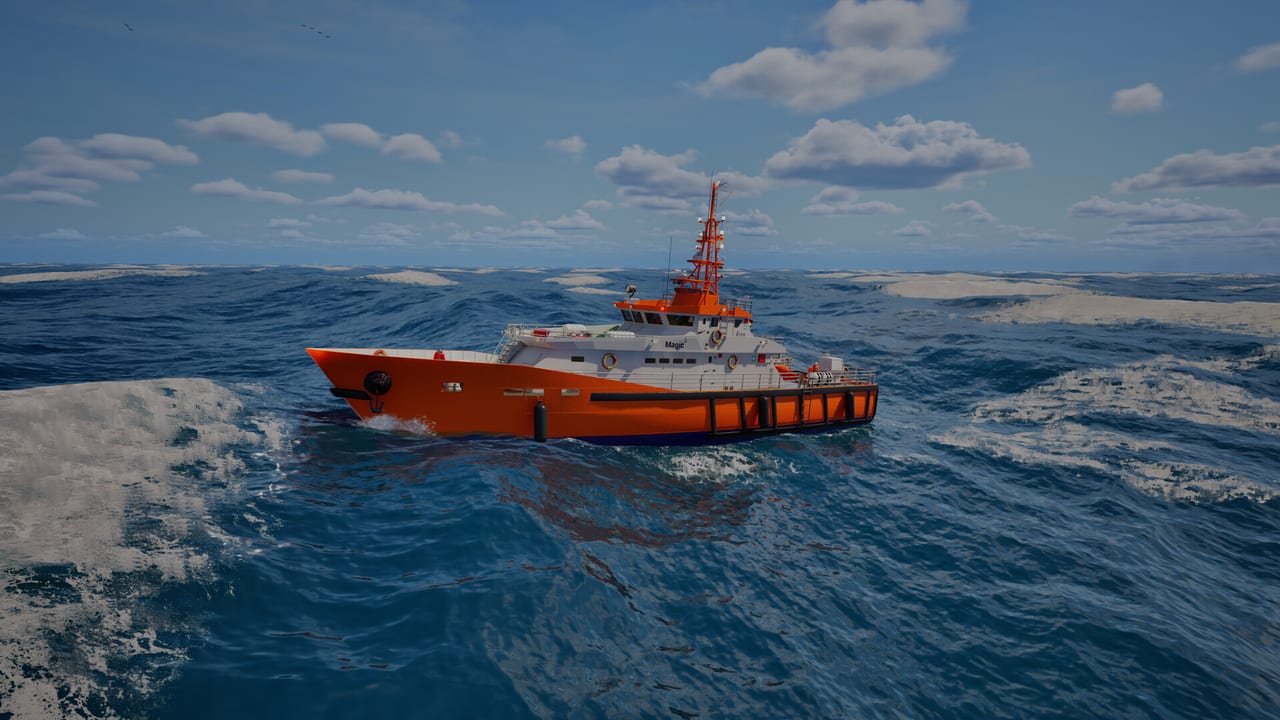
Professional Ship Simulator rewards captains who treat the first hour like a real handover. The Steam client already offers a free demo. Paid Early Access is scheduled for 16 September 2026, so this page is a launch-week checklist rather than a post-release patch diary. You play alone: Steam lists the title as single-player, with AI traffic instead of extra player crews.
Before you click Play, skim system requirements. Windows 11, 16 GB of RAM, and an 8 GB GPU are the published minimum. Then keep controls or the keyboard layout in a second window. The sim maps more than fifty actions across a triple-layer keyboard; you will not remember them from a loading screen.
Install, graphics, and the first spawn
Install the demo from Steam app 3971210, or wishlist the main app 3636930 and use the demo button on that store page. Launch in fullscreen or a large window so radar, echo sounder, and the HUD rudder/throttle tape are readable. Turn vsync on if the water shader stutters; input lag is less painful than a torn horizon when you are judging a fender.
You always start in an external ship view. Orbit the hull, then cycle camera positions through stern, bow, and bridge. Arrow keys (or the gamepad d-pad) nudge the camera at any viewpoint. The last external angle is stored per ship, which matters on a container vessel where the bridge cannot see the bow. Binoculars zoom on seamarks; use them, then return to a wide bow camera before you add power.
On the bridge of the pilot ship often used in tutorials (the Dolphin in the official training clip), lock the view to heading so the camera rotates with the hull. Do not stay locked when you later work a tight quay; unlock and park a wing camera instead. Details for those later habits live in how to play and docking.
Cold start: batteries, generators, engines
Clickable cockpits are not decoration. A typical start order from the official tutorial flow is:
- Switch on batteries so the panels live.
- Start AC generators. On larger ships they feed steering gear and the gear needed to spin the main engines.
- Bring the main engines online and confirm transmission/clutch state before you ask for ahead or astern.
- Check rudder, bow thruster, and stern thruster on the HUD. Right-hand HUD shows rudder and throttle; left-hand HUD toggles major systems with mouse or gamepad.
If nothing happens when you push the stick, you missed a power step, not a keybind. Open the checklist panel and read the mapped keys by category instead of hammering random letters. The [N] helper mentioned by demo streamers is there for this exact panic.
When you need distance from a quay, pulse bow and stern thrusters together (both to starboard to walk the ship off, or opposite directions to spin). The tutorial demonstrates a right-click on the HUD thruster control; on a gamepad you enter the special-left layer, highlight the thruster, and use the face button. Small craft forgive sloppy thruster use. A bulk carrier does not.
Your first undock and first mile
Pick a small hull from beginner ships if the scenario lets you choose. Pilot boats, tugs, and small rescue vessels teach drift without a cruise ship’s blind arc. Look at the maps page so you know whether you spawned on Rügen or in the Dover box.
Cast off in this order: confirm lines are clear, thrusters push you off, add a whisper of ahead only when the hull is parallel and clear, then centre thrusters. Watch bank effect as soon as you enter a narrow channel — the hull is pulled toward nearby walls and shoals. Propeller walk will yaw you as RPM rises. Wind and current are visible on instruments; if the demo weather is wild, set a calm preset until the motion makes sense.
Radio is how missions and some harbor services are requested. You do not need a perfect VHF procedure on minute ten, but you should find the radio panel before you leave the breakwater. Career XP later penalises collisions, groundings, sinkings, and calling tugs or pilots, so practise self-sufficient undocks in the demo.
If you want a structured next step, run the remaining in-game tutorials, then a short mission in good visibility. Save the Strait of Dover traffic lanes and LNG transits until cameras, thrusters, and the autopilot notes feel boring. For a second opinion on whether the sim matches your taste, read the preview after one honest hour at the helm.
Frequently Asked Questions
Quick answers before you take the helm.
Is the paid Early Access live yet?
No. Steam Early Access is scheduled for 16 September 2026. The free demo is the build you can run today.
Why will the ship not move?
Complete the cold start: batteries, generators, then engines and transmission. Check the HUD that throttle is actually engaged.
Which camera should I use in harbor?
A bow or wing camera plus a stored stern view. Locked bridge view hides corners on large ships.
Should I start on a cruise ship?
No. Use a pilot boat, tug, or small rescue craft first. See the beginner ships page for the full reasoning.